
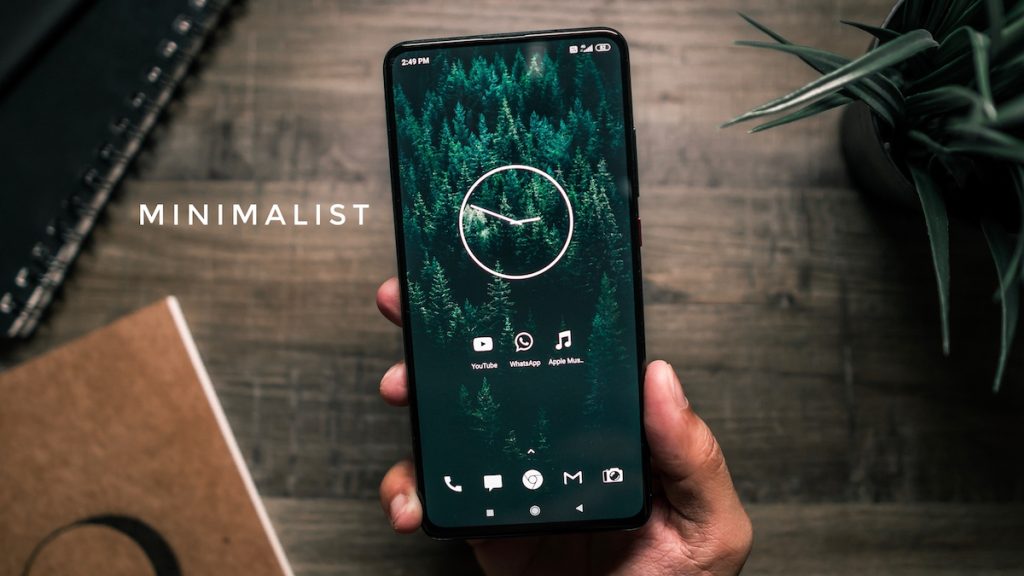
My phone used to be the first thing I reached for in the morning and the last thing I saw at night. It felt less like a tool and more like an extension of my hand. If you’re feeling the same way, I get it. A minimalist phone setup is about taking back control. It helps you use your device with purpose instead of getting lost in mindless scrolling.
By trimming down unused apps, simplifying your home screen, and silencing most notifications, you can cut your screen time and make your phone work for you, not the other way around. This guide breaks down the eight practical steps I took to turn my smartphone into a tool that supports my goals instead of stealing my attention. If you’re new to this way of thinking, it helps to understand the core principles of what minimalism is at its heart.
What Is Phone Minimalism?
Phone minimalism isn’t about getting rid of your smartphone. It’s an approach that puts intentionality first. Think of it as a digital declutter for the device you use most. The goal is to strip away the digital noise—the endless notifications, the tempting apps, the visual clutter—to create an environment that serves clear purposes.
This idea is part of a larger movement called digital minimalism, which writers like Cal Newport have discussed. It’s not about rejecting technology. It’s about using it deliberately. Instead of your phone being a source of constant distraction, it becomes a simple, efficient tool for communication, navigation, or whatever you decide is essential.
Benefits of a Minimalist Phone
When I first simplified my phone, the changes were immediate. The biggest shift was in my mental clarity. Without constant pings and badges vying for my attention, my mind felt quieter and more focused.
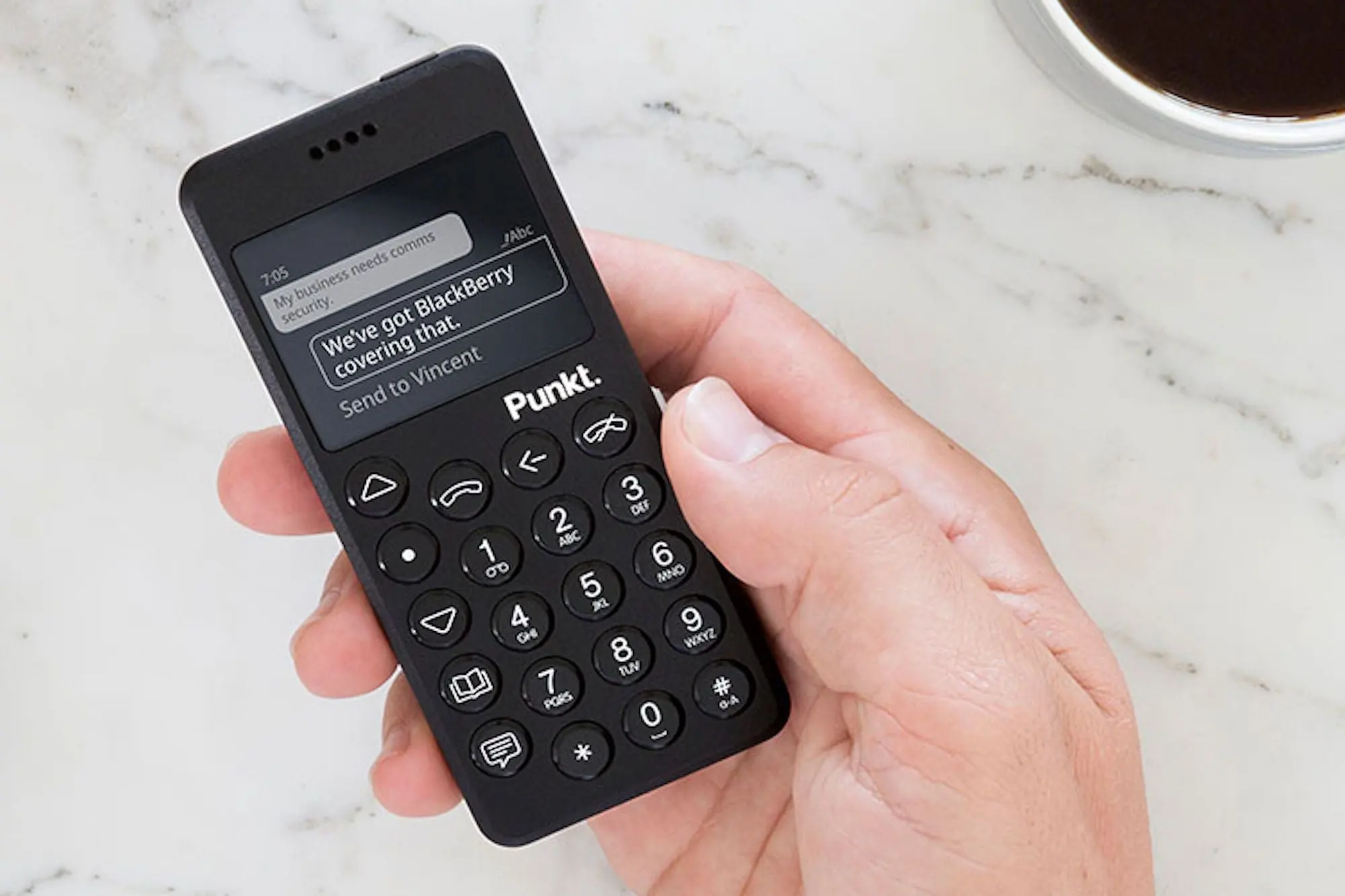
This is a common experience and one of the core benefits of a minimalist lifestyle. The advantages of a minimalist phone setup include:
- Improved Focus: With fewer distractions, you can concentrate on tasks for longer periods. Research has shown that cutting back on smartphone use directly leads to better focus.
- Reduced Stress: Constant notifications create a sense of false urgency and anxiety. Turning them off brings a sense of calm.
- Better Sleep: Using your phone less in the evening, especially without the stimulating colors, can improve your sleep quality.
- More Free Time: You’ll be surprised how much time you get back when you’re not scrolling through apps you don’t even remember opening.
1. Delete Unused and Distracting Apps
The first and most impactful step is a thorough app audit. Be honest with yourself. Go through your phone and look at every single app. When was the last time you used it? If it hasn’t been in the last 30 days and it isn’t essential for a specific, rare task (like an airline app for an upcoming flight), it’s time for it to go.
Start with the obvious ones: social media, news apps, and games. These are designed to keep you hooked.
- On iPhone: Press and hold the app icon, then tap “Remove App” and “Delete App.”
- On Android: Press and hold the app icon, then drag it to the “Uninstall” button that appears.
Remember, you can always reinstall an app if you truly need it. This process is about removing the temptation for mindless tapping. The journey of how to become a minimalist often starts with small, tangible steps like this. Fewer apps mean fewer decisions and less distraction.
2. Organize Your Home Screen
Your home screen is prime digital real estate. A cluttered home screen is like a messy desk—it creates visual noise and anxiety. The goal here is to make it as clean as possible.
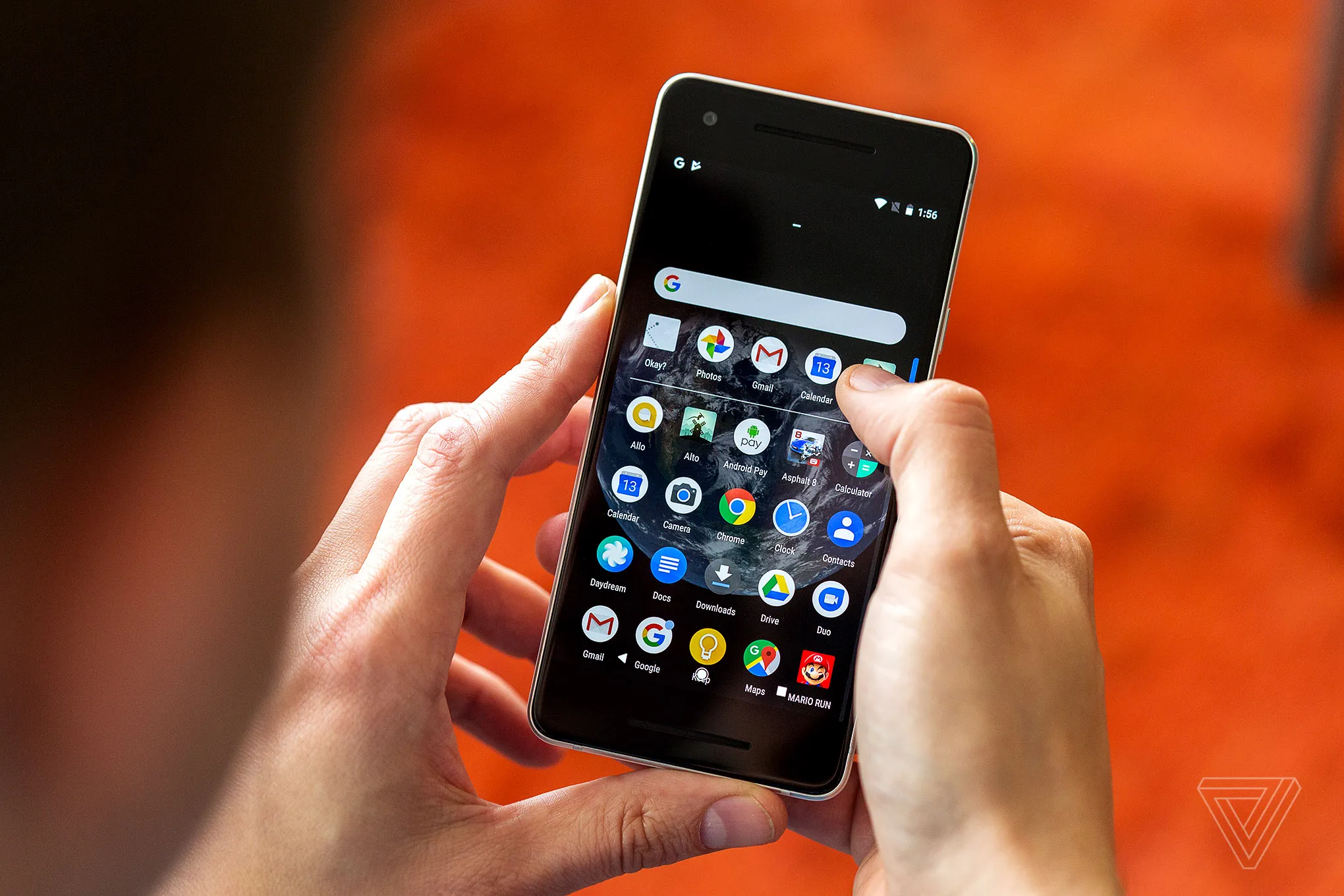
I keep my home screen completely blank. All my apps are in the App Library. This single change created just enough friction to stop me from opening apps out of habit. If a blank screen is too extreme, limit it to 5-8 essential, tool-based apps (Phone, Messages, Camera, Maps).
- Use Folders: If you keep apps on your screen, group them into folders. A single “Social” or “Entertainment” folder on the second page is much less tempting than seeing the Instagram icon on your main screen.
- Use the App Library/Drawer: Both iOS and Android have a space where all your apps live. Get in the habit of accessing apps from there by searching for them, rather than having shortcuts.
3. Turn Off Notifications
This is a non-negotiable step. Most notifications are not urgent. They are interruptions that break your focus and pull you back into your phone.
Adopt an “off-by-default” mindset. Go into your settings and turn off notifications for every single app. Then, thoughtfully turn them back on for only the most critical ones. For me, that’s phone calls, text messages from my favorites, and calendar alerts. Everything else can wait until I decide to check it.
- On iOS: Go to
Settings > Notificationsand adjust permissions for each app. - On Android: Go to
Settings > Apps & Notificationsto manage alerts.
Turn off the red notification badges, too. That little red circle is a psychological trigger designed to make you feel like you have an urgent, unfinished task. Removing it is liberating.
4. Enable Grayscale Mode
Have you ever noticed how bright and colorful app icons are? They are designed that way to attract your brain and give you a tiny dopamine hit every time you look at them. Grayscale mode turns your entire screen black and white, making it instantly less appealing.
Some studies suggest that grayscale can reduce the dopamine response to colorful interfaces by a significant amount. Suddenly, scrolling through a photo feed isn’t nearly as rewarding.
- On iPhone: Go to
Settings > Accessibility > Display & Text Size > Color Filters. Toggle it on and select “Grayscale.” - On Android: This can vary, but it’s usually under
Settings > Accessibility > Vision > Color Correction. Select “Grayscale.”
This might feel strange at first, but it’s one of the most effective ways to curb impulsive phone use.
5. Use Minimalist Launchers and Widgets
If you want to take your phone’s transformation even further, minimalist launchers can completely change the interface. These are apps that replace your standard home screen with something much simpler.
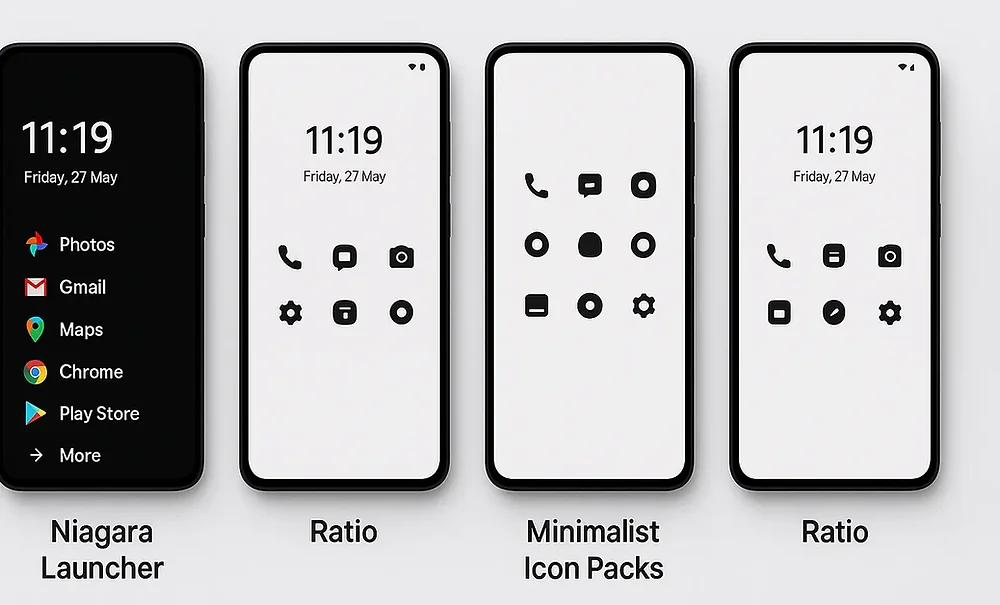
For Android users, options like Minimalist Phone, Before Launcher, and OLauncher are fantastic. They typically use text-based app lists and monochrome themes, forcing you to consciously choose what you want to open.
For iOS users, options are more limited due to Apple’s restrictions, but you can achieve a similar effect. The Dumb Phone widget, for instance, helps you create an intentionally simple experience. You can also use minimal icon packs and simple widgets that display only essential information, like your calendar or to-do list.
6. Set Up App Limits and Focus Modes
Your phone has built-in tools to help you set boundaries. Use them. These features allow you to define your own intentional living rules for your device.
- iOS Screen Time: You can set daily time limits for specific app categories (like “Social” or “Entertainment”). You can also use “Downtime” to block apps during certain hours, like before bed.
- Android Digital Wellbeing: This offers similar tools, including app timers that gray out an app’s icon when your time is up, and a “Focus Mode” that pauses distracting apps with a single tap.
Third-party apps like Opal or Jomo can add even more friction, like forcing you to wait 10-15 seconds before a distracting app will open. That brief pause is often enough to make you reconsider why you’re opening it.
7. Create Phone-Free Zones and Times
Digital boundaries are great, but physical boundaries are just as important. The simplest way to reduce phone use is to put it away.
Establish clear rules for when and where your phone doesn’t belong.
- Time-Based Boundaries: No phone for the first hour after waking up or the last hour before bed. No phones during meals.
- Space-Based Boundaries: The bedroom should be a phone-free zone. Buy a cheap alarm clock so your phone doesn’t have to be your excuse. Keep it off the dining table and out of the bathroom.
These boundaries help your brain disconnect and be more present in the real world.
8. Additional Minimalist Phone Tips
Once you have the foundation set, you can fine-tune your setup with these extra tips:

- Change Your Wallpaper: Choose a simple, dark, or calming wallpaper. Avoid busy photos or bright colors.
- Disable “Raise to Wake”: This feature lights up your screen every time you pick up your phone, creating another small temptation to engage.
- Remove Email: If you can, remove your work email from your phone. Check it on a laptop at designated times.
- Use Airplane Mode: Use it generously when you need to focus or simply want to disconnect while still having access to offline tools.
Minimalism is personal. The key is to experiment and find what works for you. You might find that some rules are more important than others, and that’s perfectly fine. Some people follow strict minimalism rules, while others are more flexible.
Conclusion
Transforming your phone into a minimalist tool is an ongoing process of refinement. It’s about building awareness and making conscious choices that align with how you want to spend your time and attention. Start with one or two steps from this list and see how it feels. You don’t have to do everything at once.
If you enjoy this process, you might consider trying a 30 day minimalism challenge in other areas of your life. For more thoughts on intentional living and simplicity, feel free to explore other articles here at www.notonetype.org.

Có thể bạn quan tâm
15 Minimalism Rules That Work: Simple Guide to Declutter Fast
Minimalism rules are practical guidelines that help you declutter your space, reduce decision fatigue, and...
Dec
How to Design a Minimalist Bedroom: A Complete Guide to Creating a Calm, Clutter-Free Space
A minimalist bedroom is more than just a style; it’s a mindset. It embraces simplicity...
Dec
How to Create a Minimalist Home: A Practical Guide to Simplified Living
Creating a minimalist home is about so much more than just having less stuff. It’s...
Dec
How to Create a Minimalist Wardrobe: A Beginner’s Guide
Creating a minimalist wardrobe isn’t about depriving yourself of beautiful clothes; it’s about curating a...
Dec
30 Day Minimalism Challenge: A Complete Guide to Decluttering Your Life
If you’ve ever felt overwhelmed by the amount of stuff in your home, you’re not...
Dec
11 Minimalism Lifestyle Benefits That Transform Your Life
A minimalist lifestyle offers some truly transformative benefits that go far beyond just having a...
Dec